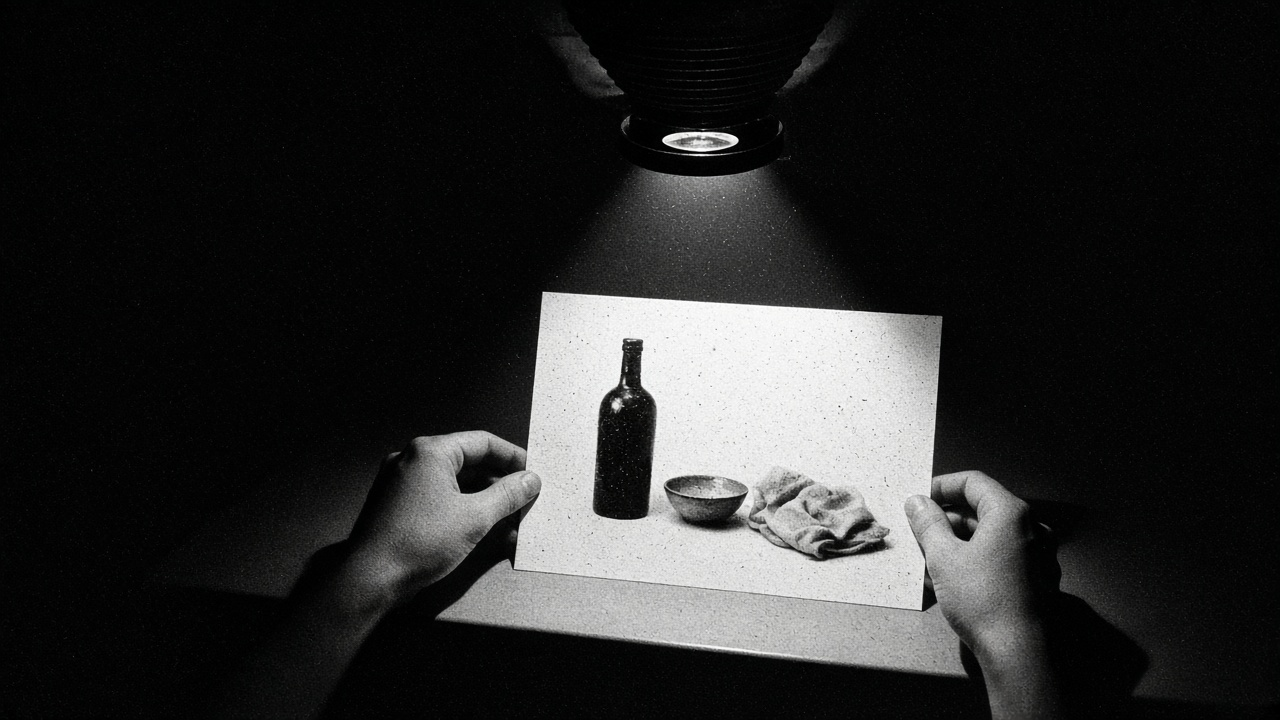
Open Imagine Quality Mode and iterate a still
Quality Mode is Imagine Image 2.0 on grok.com/imagine, iOS, and Android. The API model id is grok-imagine-image-2.0.
On the web
- Go to grok.com/imagine.
- Sign in if Grok asks.
- Find Quality (v2.0) in the Imagine controls and select it before you generate.
- Write one concrete scene: subject, verb, light, and what stays out of frame.
- Generate. Keep the prompt. Change one variable (light, crop, object) and generate again so you can compare.
On iOS or Android
- Open the Grok app.
- Open Imagine.
- Select Quality Mode / Image 2.0 if the picker shows it.
- Same prompt discipline as web: one subject, one verb, one light.
Pitfalls
- Do not paste a mood paragraph after a sharp instruction. Image 2.0 follows instructions closely; extra vibe language dilutes the scene.
- Video length and resolution differ across App Store copy, x.ai/grok marketing, and SuperGrok Plus bullets. For stills, stay on Quality Mode and ignore video knobs until you need them.
- Stock photos and other generators are off-brand for METAGROK. If the site needs art, it comes from Imagine.
Related
- Automations that report when a long job finishes
- Weekly usage for Imagine on paid plans (Settings → Usage)